
Fast answer
The decision in one minute
Choose the Samsung Odyssey OLED G8 if you will play at 4K and want DisplayPort 2.1 and up to 98W of USB-C power. Choose the ASUS ROG Swift PG32UCDP if a 1080p 480Hz mode for competitive shooters is worth having alongside 4K 240Hz, or if you want a built-in KVM switch.
Products at a glance
See the options first
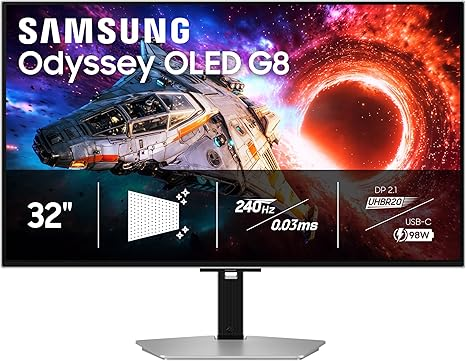 Paid link
Desk Gear
Samsung 32-inch Odyssey OLED G8 (G80SH)
Best for: Enthusiast PC and console gamers who can take advantage of a premium 4K high-refresh display
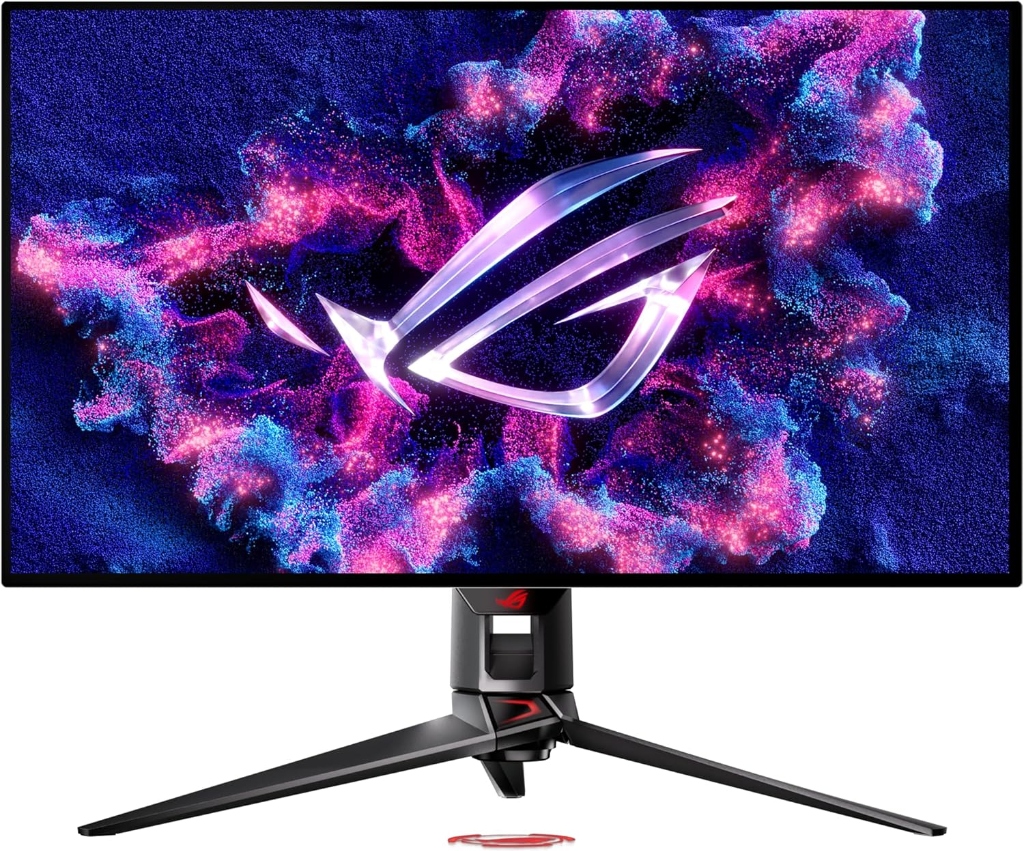 Paid link
Gaming
ASUS ROG Swift 32" 4K OLED Gaming Monitor (PG32UCDP)
Best for: PC gamers with a high-end graphics card who want 4K detail for single-player games and a faster 1080p mode for competitive shooters
Side-by-side evidence
Compare the factors that change the choice
| Decision factor | Samsung Odyssey OLED G8 (G80SH) | ASUS ROG Swift PG32UCDP |
|---|---|---|
| Panel type | 32-inch QD-OLED | 32-inch WOLED, anti-glare |
| Resolution and refresh | 3840 x 2160 at 240Hz | 4K at 240Hz or 1080p at 480Hz |
| DisplayPort | DisplayPort 2.1 | DisplayPort 1.4 |
| USB-C power | Up to 98W | 90W |
| Extra feature | Glare-control features and adjustable stand | Built-in KVM switch |
| Best fit | 4K-first gaming and mixed PC/console setups | Players who also want a 480Hz competitive mode |
QD-OLED vs WOLED: what changes in practice
Samsung uses a QD-OLED panel and ASUS uses a WOLED panel. Both deliver the per-pixel contrast and fast response that make OLED attractive for games. Their differences show up in color rendering, how the screen looks under room light, and text clarity, so check the anti-glare finish and your lighting before choosing.
Both are OLEDs, so static content such as taskbars and HUDs carries some burn-in risk. Use each monitor's care routines and compare the warranty terms for burn-in coverage in your region.
Do you need the 480Hz mode?
The ASUS PG32UCDP can switch to 1080p at 480Hz. That is useful for competitive shooters where frame rate matters more than detail, provided your PC can produce hundreds of frames per second in those games.
If you mainly play at 4K, the Samsung G80SH already covers 4K at 240Hz, and the extra mode adds little. In that case the deciding points are price, connectivity, and panel preference.
Connectivity and desk setup
The Samsung lists DisplayPort 2.1 and USB-C power delivery up to 98W, which suits a single-cable laptop setup and future graphics cards. The ASUS uses DisplayPort 1.4 with HDMI 2.1, 90W USB-C, and a built-in KVM for switching a keyboard and mouse between two computers.
Either way, 4K at 240Hz needs a high-end graphics card and the right cable. Check your GPU's outputs before ordering.
Bottom line
For a 4K-first setup, the Samsung Odyssey OLED G8 is the simpler choice with newer DisplayPort. For players who split time between cinematic games and competitive shooters, the ASUS PG32UCDP's dual mode is the reason to pay attention. Check current prices on Amazon, since the gap between them changes often.
How this guide was built
This comparison uses the exact models and specifications listed in the linked Libertas reviews. It is research-based editorial analysis, not a claim of hands-on testing.
Editorial policy →